Account and login
How to log in to your website, set a new password and manage your account. This page is also available without logging in, through the Help with logging in link on the login page.
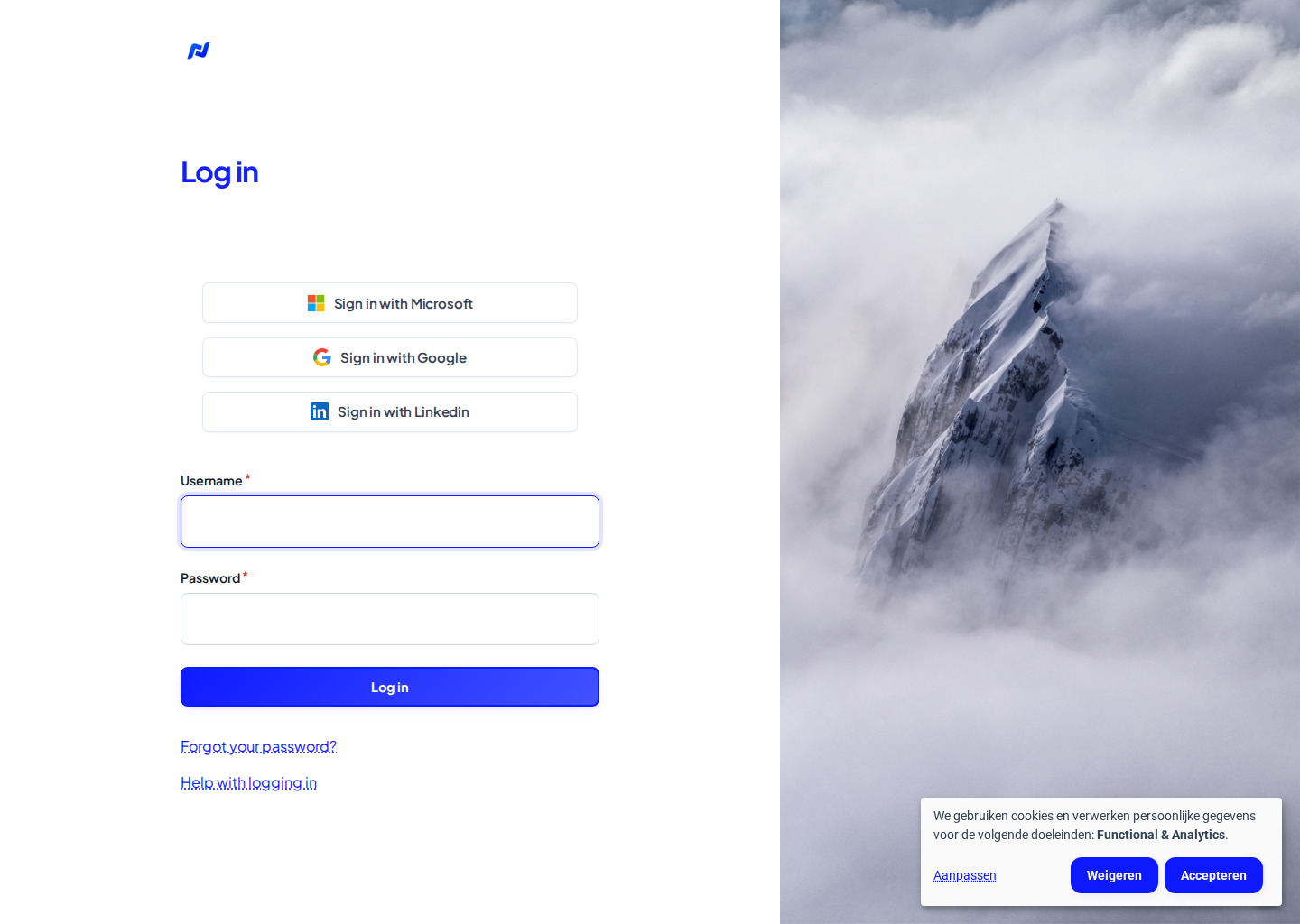
Log in
- Go to the login page.
- Fill in your e-mail address or your user name, and your password.
- Click Log in.
Type your e-mail address exactly as it is in your account, including capital letters. If that does not work, try your user name.
Log in through the Livalos dashboard
If you have an account on the Livalos dashboard (app.livalos.com), you can also log in from there, without a separate password:
- From the dashboard: open your website in the dashboard and click Login to website.
- From the login page: click Sign in with Microsoft, Google or Linkedin. You sign in on the dashboard and come back logged in to your website.
This works when your dashboard account uses the same e-mail address as your account on the website. Administrators of your workspace get an account on the website automatically. Are you a regular workspace member without an account on the website yet? Ask your workspace administrator.
Logging in for the first time
When an administrator creates an account for you, you receive an e-mail An administrator created an account for you.
- Click the link in that e-mail. The link works once.
- Choose your own password and click Save.
- From then on you log in on the login page.
Does the link no longer work? Request a new one through Forgot your password? (below).
Forgot your password
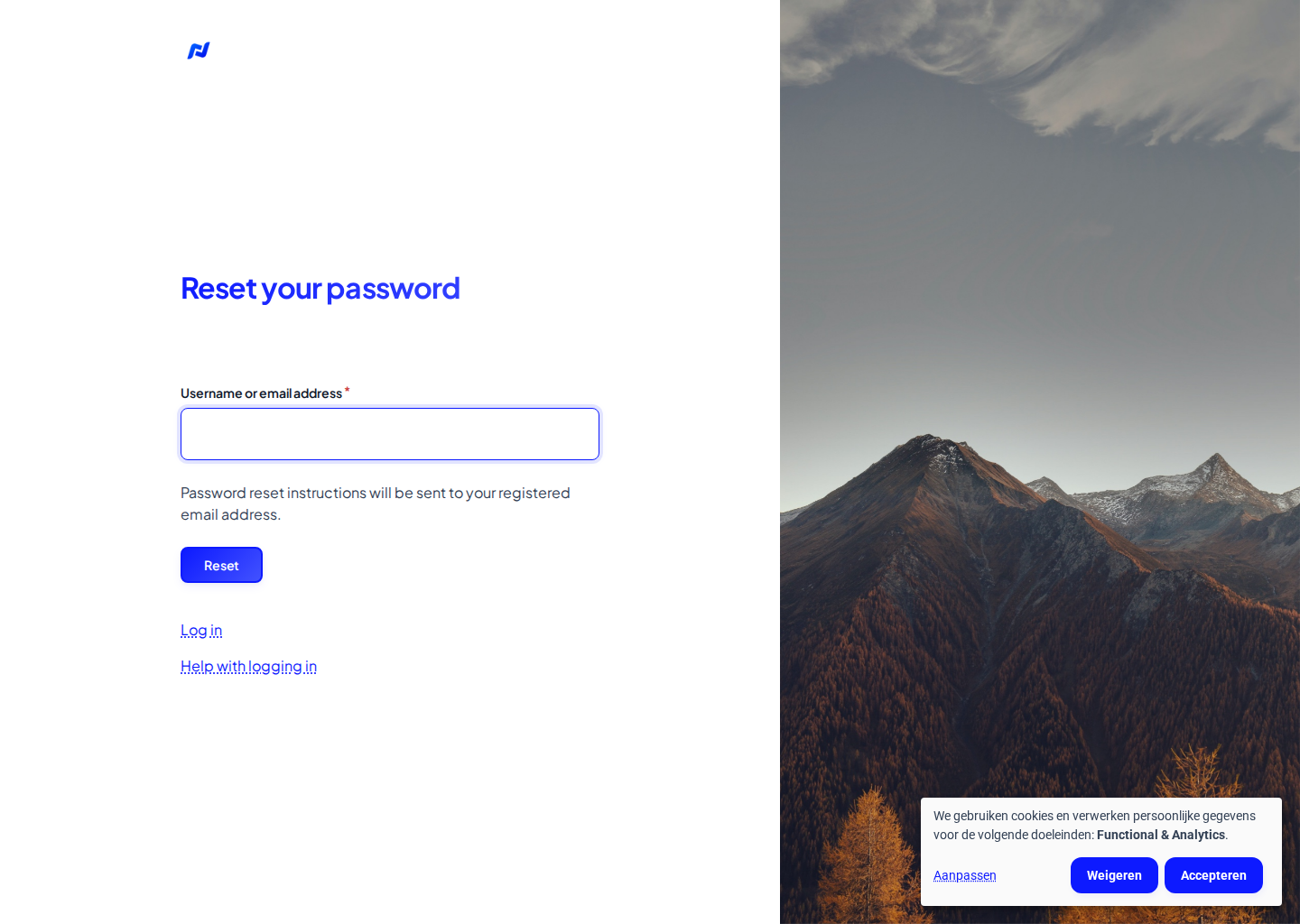
- On the login page, click Forgot your password?, or go to Forgot your password.
- Fill in your user name or e-mail address and click Reset.
- You receive an e-mail Replacement login information. Click the link and choose a new password.
The link works once and stays valid for 24 hours.
No e-mail received?
- Check your spam or junk folder.
- Wait a few minutes: it sometimes takes a while.
- Check that you used the e-mail address of your account.
- Still nothing? E-mail us at support@livalos.com.
Change your password or e-mail address
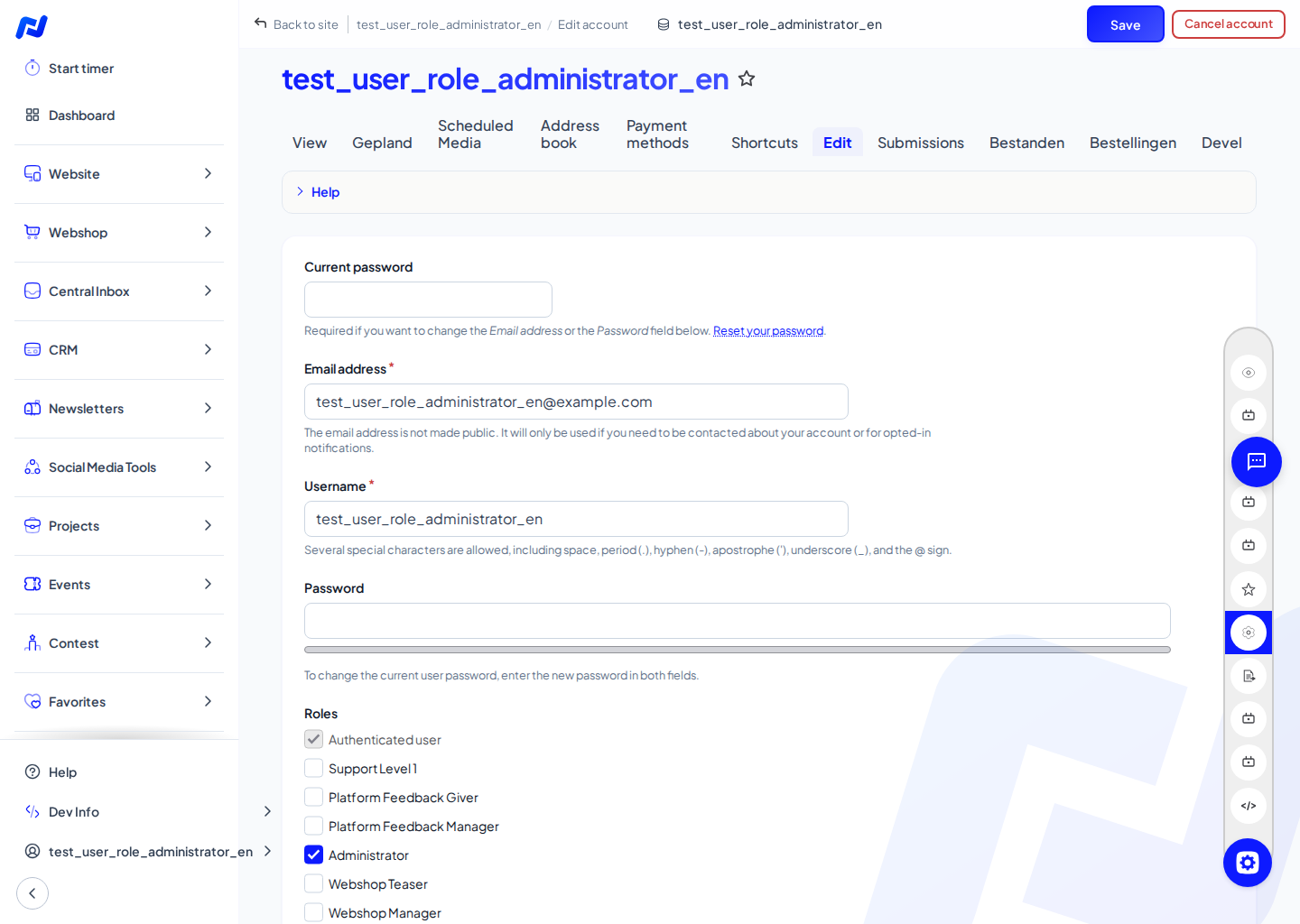
- Click your name at the bottom of the menu and choose Edit.
- First fill in your Current password.
- Change your Email address, or fill in your new Password twice.
- Click Save.
The language of your account
Under Language settings on the same page you choose the Site language. The backend, the e-mails you receive and the help use that language.
Log out
Click your name at the bottom of the menu and choose Log out.